


Request a Demo
Join a 30 minute demo with a Cloudian expert.
TL;DR: Modern storage platforms scale out on commodity servers; legacy systems stay tied to fixed appliances. Legacy storage systems scale by adding proprietary hardware to a fixed appliance rather than software-defined nodes. Best modern solutions: Cloudian HyperStore for object storage, EverPure for unified and scale out storage. Best legacy solutions: Dell PowerMax for mainframe block storage, Dell PowerStore for unified midrange.
Modern storage platforms separate compute from storage and use cloud-like, scale-out models to expand capacity on demand. Legacy systems trap data in rigid, hardware-bound appliances that require expensive, disruptive “forklift” replacements. Modern systems offer agility; legacy systems offer control but struggle with modern AI or real-time workloads.
Architecture and scaling:
Agility and cloud integration:
Data types and workloads:
Cost models:
Availability and resilience:
Vendor lock-in:
This is part of a series of articles about data backup
In this article:
The table below summarizes the key differences between the platforms and legacy systems covered in this article. We explore each of them in more detail below.
| Category | Solution | Best For | Key Strengths | Things to Consider |
| Modern: Object & Software- Defined |
Cloudian HyperStore | On-prem S3 object storage with data sovereignty | Highest S3 compatibility, exabyte scale, security | Upgrades can require vendor support |
| Modern: Object & Software- Defined |
IBM Storage Ceph | Software-defined unified storage for private cloud and containers | Unified block, file, and object; petabyte scale; hardware independence | Setup expertise required; GUI and geo-replication need improvement |
| Modern: Object & Software- Defined |
Scality RING | Large-scale, cyber-resilient object and file storage | Multidimensional scale, 14-nines durability | Complex setup; steep learning curve |
| Modern: Object & Software- Defined |
Dell ObjectScale | Exascale S3 object storage for AI and archive | Exascale scale, Dell integration, S3 over RDMA | ~90% S3 API parity; setup needs expertise |
| Modern: Unified & Scale-Out | NetApp ONTAP | Unified block, file, and object across hybrid cloud | Unified data services, tiering, ransomware defense | CLI-heavy management; premium pricing |
| Modern: Unified & Scale-Out | Everpure FlashBlade | All-flash unified fast file and object storage | NFS/SMB/S3 on one OS, non-disruptive upgrades | Limited dedup; premium pricing |
| Modern: Unified & Scale-Out | Dell PowerScale | Scale-out NAS for unstructured data, AI, HPC, and media workloads | OneFS scale-out, unified file and object, parallel NFS, NVIDIA-certified | No native SAN; configuration complexity; premium pricing |
| Modern: Unified & Scale-Out | Qumulo | Unified file and object across edge, core, and cloud | Global namespace, real-time analytics, any location | Limited dedup; premium pricing |
| Legacy: Monolithic & High-End | Dell PowerMax | Mainframe and open systems mission-critical block | End-to-end NVMe, SRDF, 65M secure snapshots | Premium pricing; complex initial setup |
| Legacy: Monolithic & High-End | Hitachi VSP One Block | Mission-critical block across mainframe and open systems | 50M IOPS, 18.6PBe, FIPS 140-3, global-active device | Complex setup; management tooling lags hardware |
| Legacy: Monolithic & High-End | IBM Storage DS8000 | Mainframe-attached storage for IBM Z and IBM i | Eight-nines target, Safeguarded Copy, FCM4 detection | Mainframe-centric scope; console quirks |
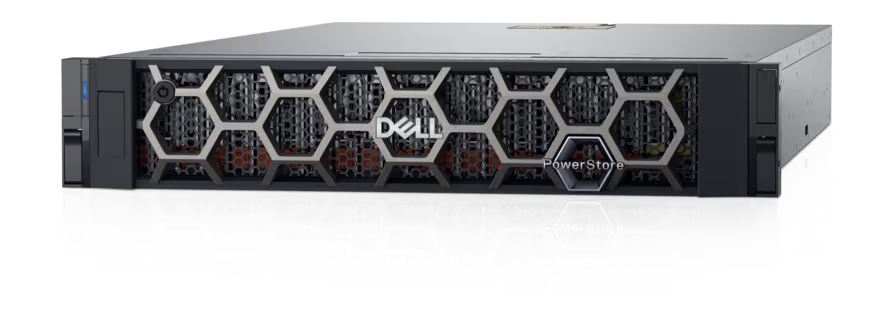
| Legacy: Traditional Midrange & Unified | Dell PowerStore | Block, file, and container consolidation on one appliance | 6:1 data reduction guarantee, metro replication | Separate software licensing; support concerns |
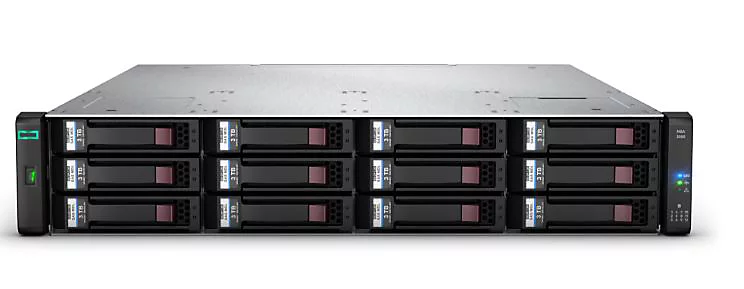
| Legacy: Traditional Midrange & Unified | HPE Alletra Storage MP B10000 | Unified block and file managed from a cloud console | Disaggregated scaling, availability guarantee | Support access friction; replication visibility |
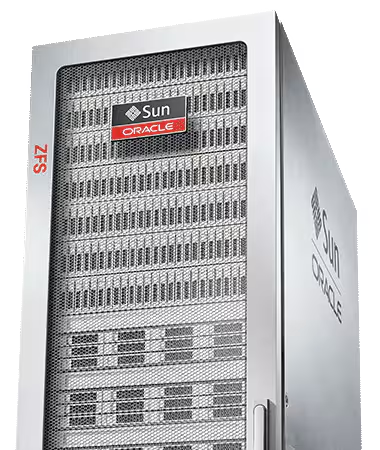
| Legacy: Traditional Midrange & Unified | Oracle ZFS Storage Appliance | Oracle Database and Exadata backup, unified file/block | OISP tuning, 4.6TB DRAM cache, 30PB capacity | Best value inside the Oracle stack |
Related content: Compare the best enterprise storage systems.
Modern storage platforms are software-defined, scalable solutions designed to meet the demands of today’s dynamic, data-driven enterprises. Unlike legacy systems, they decouple storage management from underlying hardware, allowing organizations to use commodity servers and storage devices. This abstraction enables seamless scaling, easier integration with cloud environments, and support for a wide variety of workloads, from structured databases to unstructured big data and analytics.
These platforms emphasize automation, programmability, and interoperability, often leveraging APIs and open standards for management and orchestration. Modern storage can span on-premises, cloud, and hybrid environments, delivering consistent performance and resilience. Features like thin provisioning, automated tiering, and built-in data protection further enhance efficiency and reduce operational complexity, making modern storage platforms a better fit for evolving enterprise needs.
Legacy storage systems use rigid, monolithic architectures that limit scalability. Expanding capacity usually means purchasing additional proprietary hardware, which can be both expensive and time-consuming. These systems are typically built for predictable workloads and static environments, making them ill-suited for the elastic demands of modern business operations. As data volumes grow, scaling becomes a disruptive process, often requiring planned downtime and significant manual effort.
Modern storage platforms are designed for horizontal scalability. They can add capacity by simply connecting additional nodes, leveraging commodity hardware, and automating resource allocation. This scale-out approach allows organizations to grow storage infrastructure incrementally, without major disruptions or forklift upgrades. The flexibility to scale up or down as needed supports unpredictable workloads and reduces both capital and operational expenses.
Related content: Learn how a shared-nothing architecture supports scale-out growth.
Legacy storage systems lack the agility required to support rapid application development and deployment. They are often constrained by proprietary protocols and interfaces, making integration with cloud services difficult. Migration to or from the cloud can be complex, slow, and risky, discouraging hybrid or multi-cloud strategies. As a result, organizations tied to legacy systems may struggle to respond quickly to changing business needs or market opportunities.
Modern storage platforms are built with cloud integration in mind. They support cloud-native protocols and APIs, enabling seamless data movement between on-premises infrastructure and public or private cloud services. This agility enables hybrid and multi-cloud deployments, allowing organizations to optimize cost, performance, and data locality. The result is a more flexible and responsive IT environment that can adapt to business demands.
Legacy storage systems are typically optimized for block or file storage, serving traditional applications like databases, virtual machines, and file shares. They often struggle with unstructured data types, such as images, videos, or sensor data, which are increasingly common in modern analytics and AI workloads. The lack of support for diverse data types limits their usefulness as organizations embrace digital transformation and new data-driven use cases.
Modern storage platforms are engineered to handle a wide variety of data types and workloads. They support block, file, and object storage within a unified environment, making it easier to manage structured, semi-structured, and unstructured data at scale. This versatility allows organizations to consolidate storage infrastructure, simplify management, and efficiently support new applications, from big data analytics to machine learning and IoT.
Traditional legacy storage systems require large upfront investments in proprietary hardware and software licenses. Ongoing costs include maintenance contracts, hardware refresh cycles, and specialized personnel for management. These capital expenses can be significant, often leading to over-provisioning to avoid future disruptions. The total cost of ownership is further increased by the inefficiencies of static allocation and limited automation.
Modern storage platforms offer more flexible, consumption-based pricing models. Organizations can adopt pay-as-you-grow approaches, reducing capital expenditures and aligning costs with actual usage. The use of commodity hardware, automation, and cloud integration lowers operational expenses. Additionally, features like deduplication, compression, and automated tiering help optimize storage utilization, further driving down costs over time.
Legacy storage systems generally rely on hardware redundancy and manual failover processes to ensure availability. While these mechanisms can provide basic protection, they may require significant administrative effort and are susceptible to single points of failure. Recovery from hardware or software faults often involves downtime and data restoration procedures, impacting business continuity.
Modern storage platforms incorporate advanced resilience features, such as distributed data replication, erasure coding, and automated failover across multiple nodes or sites. These capabilities minimize the risk of data loss and ensure high availability, even in the face of hardware or network failures. Self-healing mechanisms and non-disruptive upgrades further enhance reliability, enabling continuous operations and improved service levels.
Legacy storage systems are often built on proprietary hardware and software, leading to vendor lock-in. Switching vendors typically means replacing most or all of the existing infrastructure, a process that is costly and disruptive. This dependency limits flexibility and bargaining power, and may stifle innovation as organizations are forced to operate within the constraints set by a single supplier.
Modern storage platforms prioritize interoperability and open standards, reducing the risk of vendor lock-in. By decoupling storage software from hardware and supporting industry-standard protocols, these platforms enable organizations to choose the best components for their needs. This open approach fosters a competitive ecosystem, encourages innovation, and allows for easier integration with future technologies.
How we selected these tools: We shortlisted modern storage platforms based on software-defined architecture, scale-out capacity, S3 and multiprotocol support, cloud integration, and enterprise data protection.

Best for: On-premises S3 object storage with full data sovereignty.
Strengths: Highest S3 compatibility, exabyte scale, strong security.
Things to consider: Upgrades and maintenance can require vendor support.
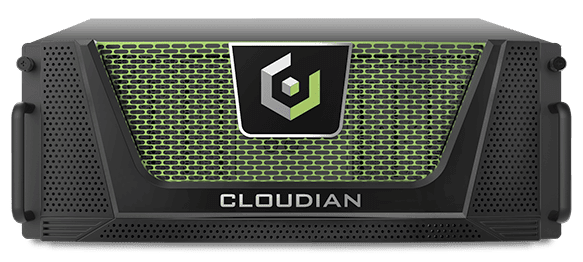
Cloudian HyperStore is a software-defined object storage platform that runs on industry-standard servers or Cloudian appliances. It consolidates unstructured data into a single S3-compatible namespace that can start small and grow to exabyte scale, using a modular design that adds capacity through non-disruptive node expansion. Storage can run at one site or span multiple sites and clouds while being managed as one system.
The platform uses a shared-nothing, peer-to-peer architecture with no central metadata server or head node, so each added node contributes CPU, memory, network, and disk. HyperStore provides native S3 API compatibility built on the AWS S3 SDK, supports unified file and object access, and includes NVIDIA GPUDirect support and all-flash configurations for AI workloads.
Key features include:
Limitations (as reported by users on PeerSpot):

Best for: Software-defined unified storage for private cloud and container platforms
Strengths: Unified block, file, and object; petabyte scale; hardware independence
Things to consider: Setup expertise required; GUI and geo-replication need improvement
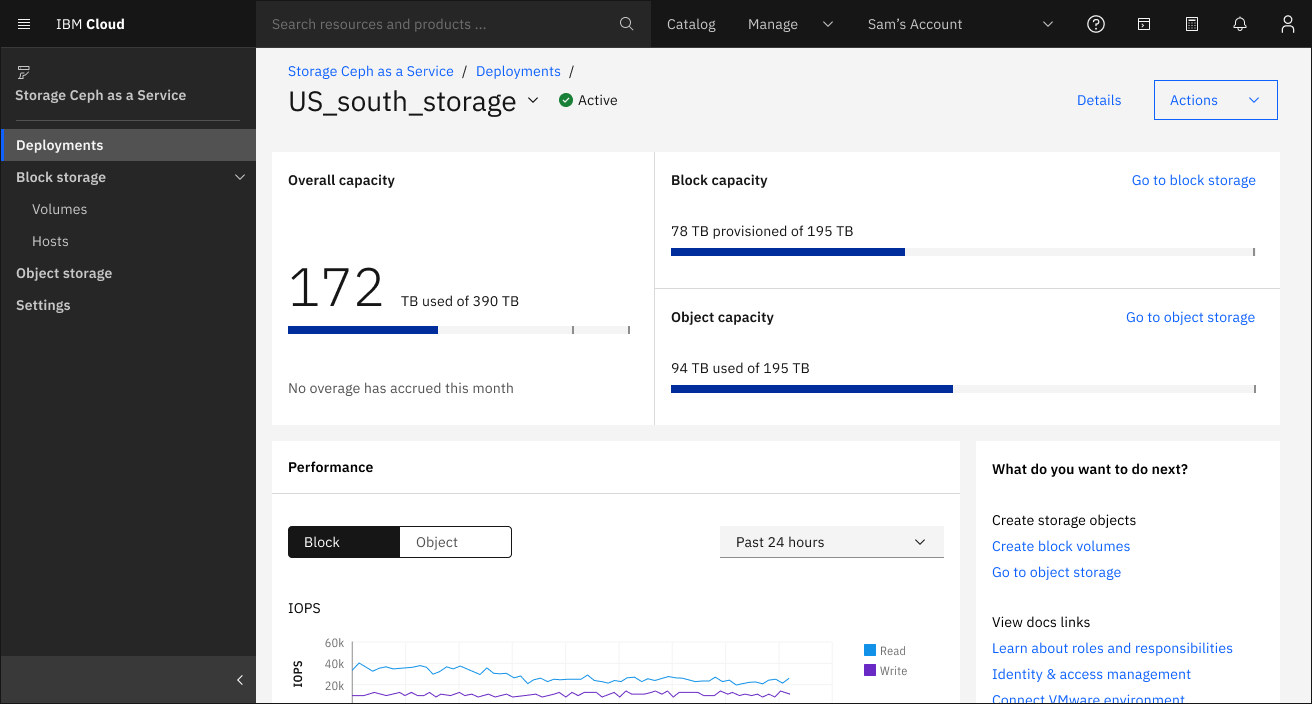
IBM Storage Ceph is an enterprise-supported distribution of the open-source Ceph project, providing unified block, file, and object storage on industry-standard x86 hardware. A single cluster delivers all three protocols (S3-compatible object access, file access via CephFS, and block storage via RADOS Block Device) without requiring separate systems for each workload. Version 9.0, released in January 2026, added new capabilities across all three storage layers.
The platform uses a distributed, shared-nothing architecture with no single point of failure. It scales horizontally from three nodes to hundreds, automatically rebalancing data across available hardware as nodes are added or removed. IBM packages Ceph with enterprise support, IBM Storage Insights for monitoring and analytics, Red Hat Enterprise Linux subscriptions, and validated hardware configurations through IBM Storage Ready Nodes.
Key features include:
Limitations (as reported by users on G2 and PeerSpot):

Best for: Large-scale, cyber-resilient object and file storage.
Strengths: Multidimensional scale, 14-nines durability, low TCO.
Things to consider: Setup is complex with a steep learning curve.
Scality RING is a software-defined object and file storage platform built for large-scale, unpredictable workloads. It scales across multiple dimensions, including capacity, performance, buckets, servers, sites, and clouds, and runs on industry-standard servers under a pay-as-you-grow model. A single administrator can manage petabytes through one interface, and the platform provides a hybrid-cloud S3 namespace for moving data across on-premises and cloud.
RING protects data with up to 14 nines of durability using erasure coding, replication, and self-healing, and maintains availability during failures, upgrades, and expansions. Its CORE5 capabilities add end-to-end cyber resilience, and an all-flash RING XP configuration targets high-performance and AI workloads.
Key features include:
Limitations (as reported by users on PeerSpot):
Best for: Exascale S3 object storage for AI and archive.
Strengths: Exascale scale, Dell ecosystem integration, S3 over RDMA.
Things to consider: Around 90% S3 API parity; setup needs expertise.
Dell ObjectScale is an enterprise object storage platform built for large-scale data collection, AI model training, and long-term retention. It uses an exascale architecture with a unified global namespace and native S3 support, and can be deployed as HDD or all-flash appliances, as a software update for existing Dell ECS systems, or as software-defined storage on Dell PowerEdge servers.
The platform supports S3 over RDMA with GPU-direct access for AI workloads and integrates with other Dell products such as PowerScale. It provides erasure coding, replication, and ObjectLock WORM for data protection, along with multi-site replication across virtual data centers and smart rebalancing when nodes are added or retired.
Key features include:
Limitations (as reported by users on PeerSpot):


Best for: Unified block, file, and object across hybrid cloud.
Strengths: Unified data services, tiering, ransomware protection.
Things to consider: CLI-heavy management; premium pricing.
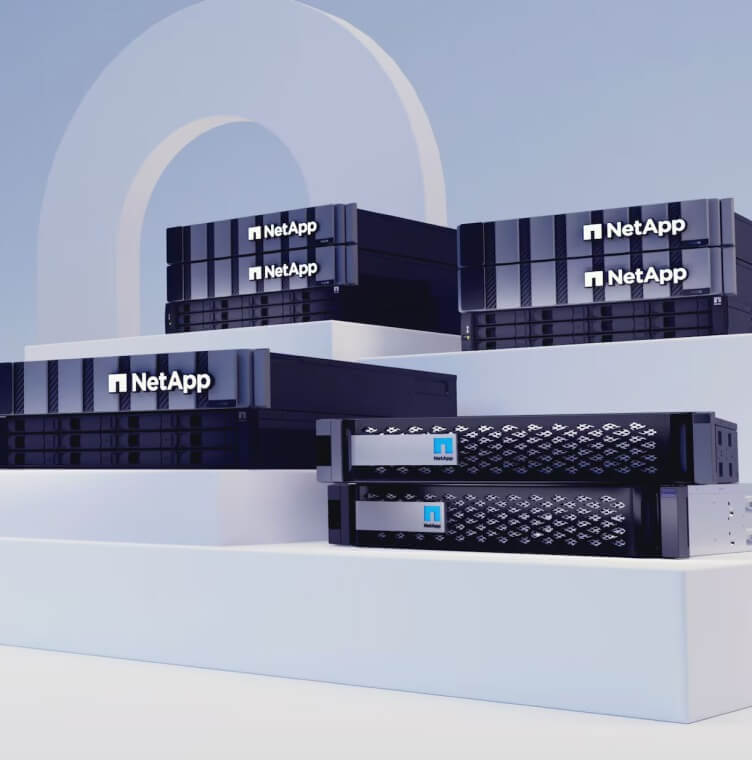
NetApp ONTAP is a unified data storage operating system that spans on-premises systems and the public cloud. It accelerates block, file, and object workloads under one operating system, with built-in quality of service and nondisruptive scaling, and lowers the cost of data through raw-to-effective capacity, space-efficient backups, and automatic tiering.
ONTAP powers a broad range of deployments, including AFF all-flash and FAS hybrid systems, ASA SAN arrays, ONTAP Select software-defined storage, and Cloud Volumes ONTAP on AWS, Azure, and Google Cloud. It includes snapshots, disaster recovery, and Autonomous Ransomware Protection, and is managed through NetApp Console and a single ONTAP One license.
Key features include:
Limitations (as reported by users on PeerSpot):
Best for: All-flash unified fast file and object storage.
Strengths: NFS, SMB, and S3 on one OS; non-disruptive upgrades.
Things to consider: Limited deduplication; premium pricing.
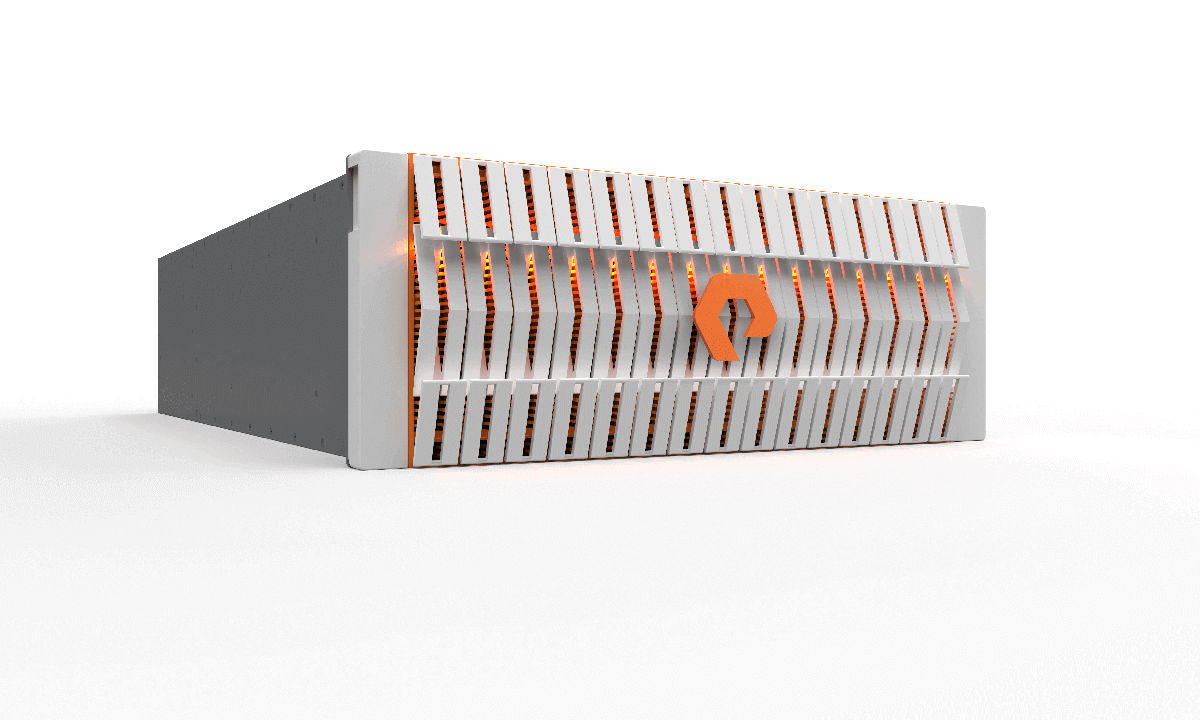
Everpure FlashBlade (formerly Pure Storage FlashBlade) is a unified, all-flash storage platform for unstructured file and object data. It runs native NFS, SMB, and S3 on a single operating system, Purity//FB, without separate gateways, and scales out as one array. The all-flash design includes data reduction and non-disruptive upgrades of blades, modules, and software.
FlashBlade protects data with immutable SafeMode snapshots and always-on encryption, and uses Zero Move Tiering to place data at a granular file level based on access patterns. The lineup includes FlashBlade//E for capacity, FlashBlade//S for unified fast file and object, and FlashBlade//EXA for large AI and HPC workloads.
Key features include:
Limitations (as reported by users on PeerSpot):
Best for: Scale-out NAS for unstructured data, AI, HPC, and media workloads
Strengths: OneFS scale-out, unified file and object, parallel NFS, NVIDIA-certified
Things to consider: No native SAN; configuration complexity; premium pricing
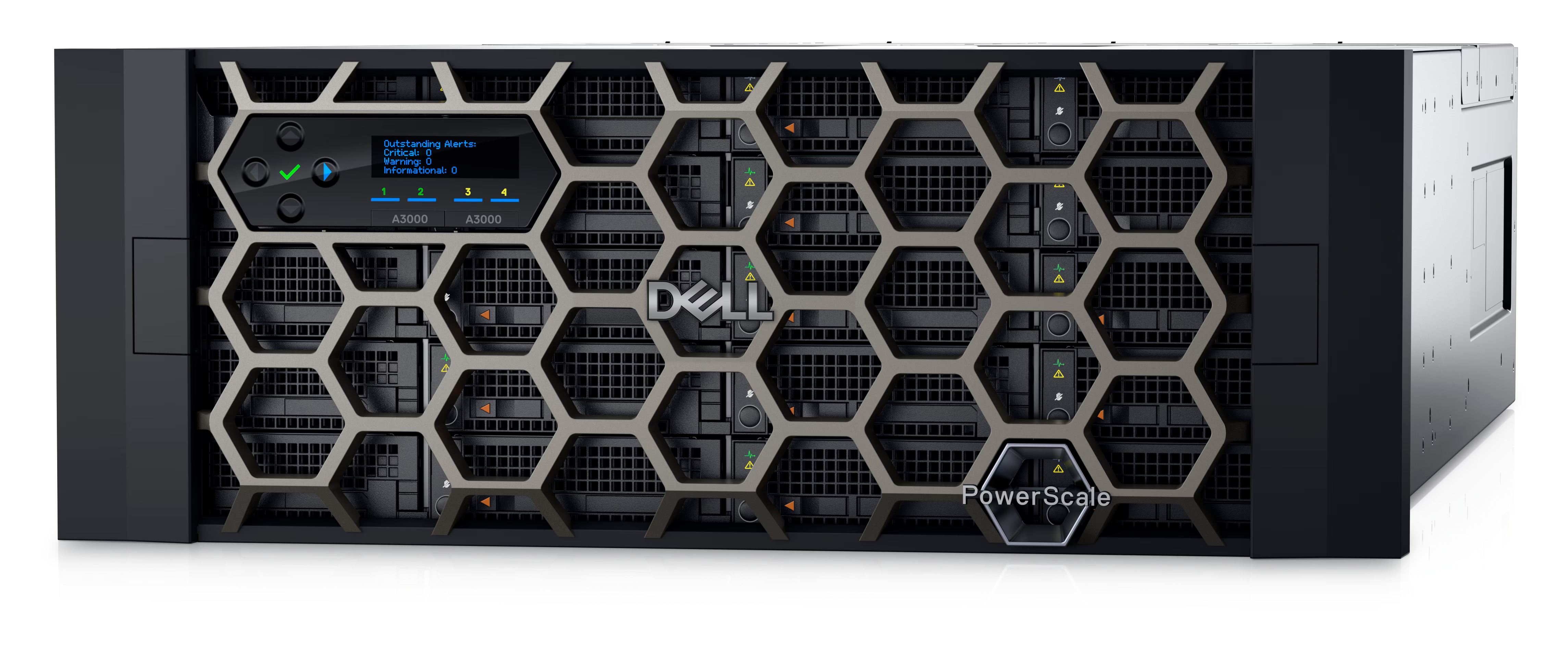
Dell PowerScale is Dell’s scale-out NAS platform, running the OneFS operating system. It unifies file and object access (NFS, SMB, HDFS, S3, FTP, and HTTP) under a single file system that scales from 11 TB to multiple petabytes, adding performance and capacity with each node. The platform is intended for unstructured data workloads including AI and machine learning, media and entertainment, genomics, and general-purpose enterprise file services.
OneFS presents the entire cluster as a single file system volume with no separate volumes to manage per node. PowerScale supports parallel NFS (pNFS), which distributes I/O across multiple nodes simultaneously for distributed AI training workloads, and integrates with NVIDIA Dynamo through the NIXL library for KV cache offload in inference pipelines.
Key features include:
Limitations (as reported by users on PeerSpot):

Best for: Unified file and object across edge, core, and cloud.
Strengths: Global namespace, real-time analytics, deploy anywhere.
Things to consider: Limited data reduction; premium pricing.
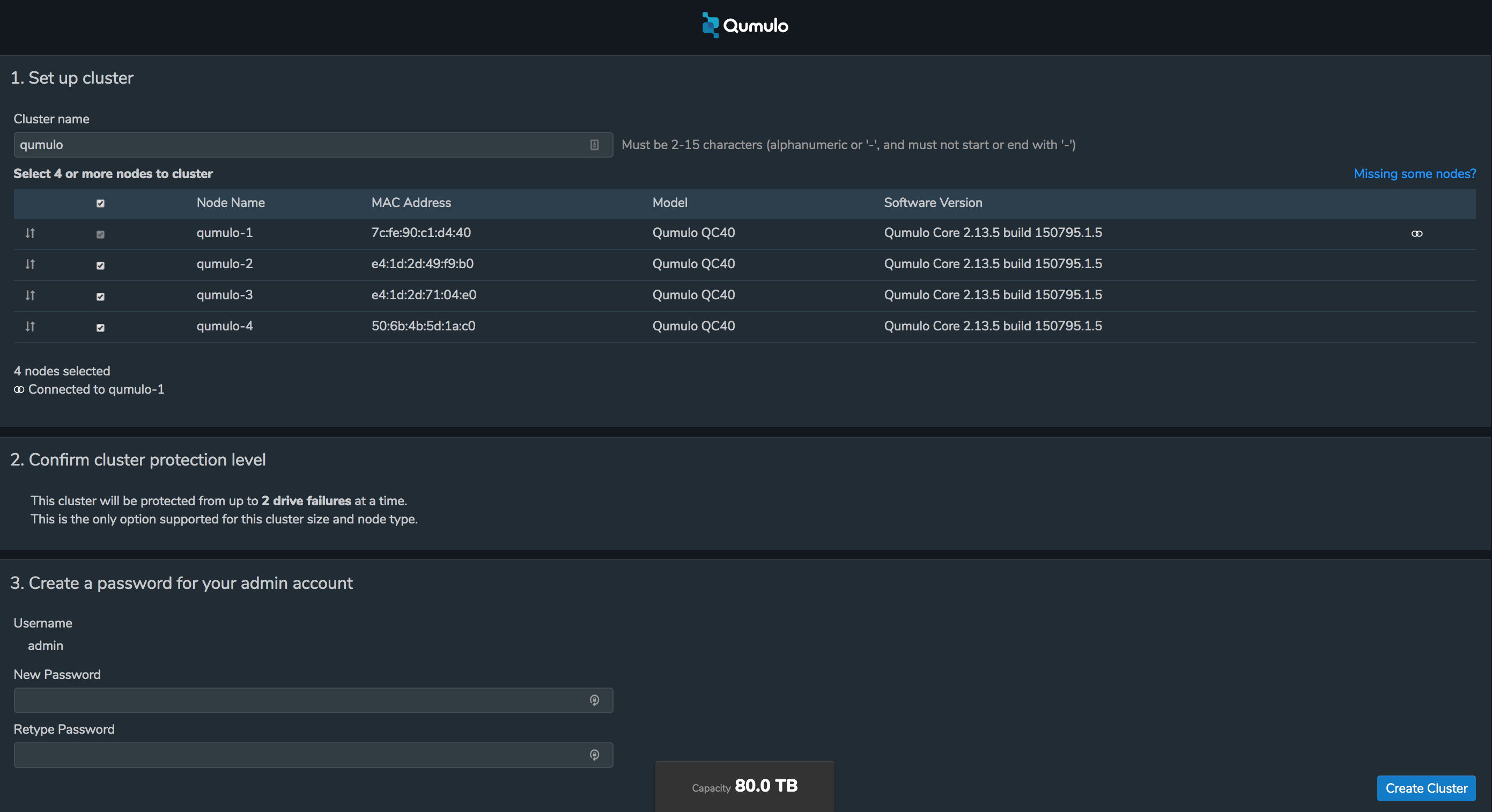
Qumulo is a cloud data platform for managing file and object data across on-premises, edge, and cloud environments. It provides enterprise file services for SMB, NFS, and object workloads at exabyte scale, with multi-protocol access, snapshots, replication, and quotas that work the same way in every location. The platform is cloud-native and platform-agnostic, and performance can be scaled up or down to match demand.
Qumulo’s Cloud Data Fabric unifies edge, data center, and public clouds into a single, strictly consistent global file system so teams can collaborate without copying data. NeuralCache adds machine-learning predictive caching, and NeuralProtect provides ransomware and malware protection. Qumulo runs on AWS, Azure, and GCP, at the edge, and on-premises on hardware from vendors such as Cisco, HPE, and Supermicro.
Key features include:
Limitations (as reported by users on PeerSpot):
How we selected these systems: We shortlisted traditional, appliance-based enterprise storage systems that are still actively sold and supported, based on block and file protocol coverage, replication and high-availability services, data reduction, cyber resilience features, and how far each system scales.
Best for: Mainframe and open systems mission-critical block workloads.
Strengths: End-to-end NVMe, SRDF replication, 65 million secure snapshots.
Things to consider: Premium pricing and a complex initial setup process.
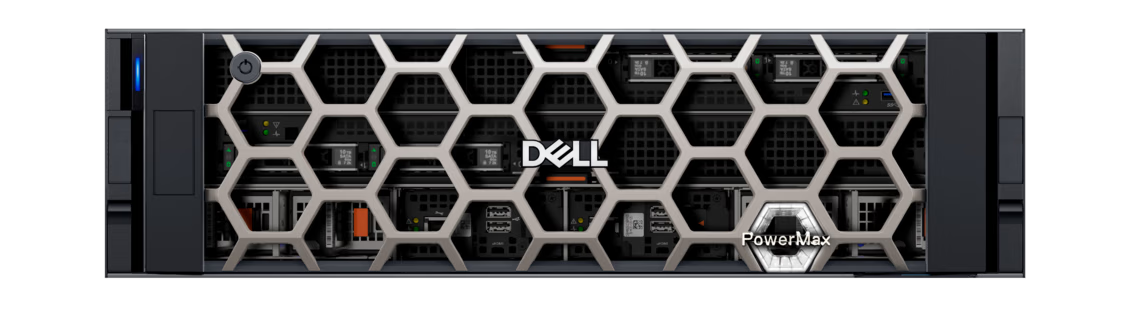
PowerMax is Dell’s high-end array for open systems, mainframe, IBM i, file, and virtualized applications. It uses an active/active, share-everything architecture with end-to-end NVMe and a Dynamic Fabric running 100Gb RDMA over NVMe, and reports response times under 60 microseconds.
Capacity and compute grow independently from 2 to 16 nodes and up to 20 PBe without forklift upgrades, with every node serving every workload. Dell attaches a 5:1 data reduction guarantee for open systems and 3:1 for mainframe, and the 2500 model ships fully populated with QLC flash.
Key features include:
Limitations (as reported by users on PeerSpot):

Best for: Mission-critical block storage across mainframe and open systems.
Strengths: 50M IOPS, 18.6PBe, FIPS 140-3, global-active device availability.
Things to consider: Complex setup; management tooling lags the hardware.
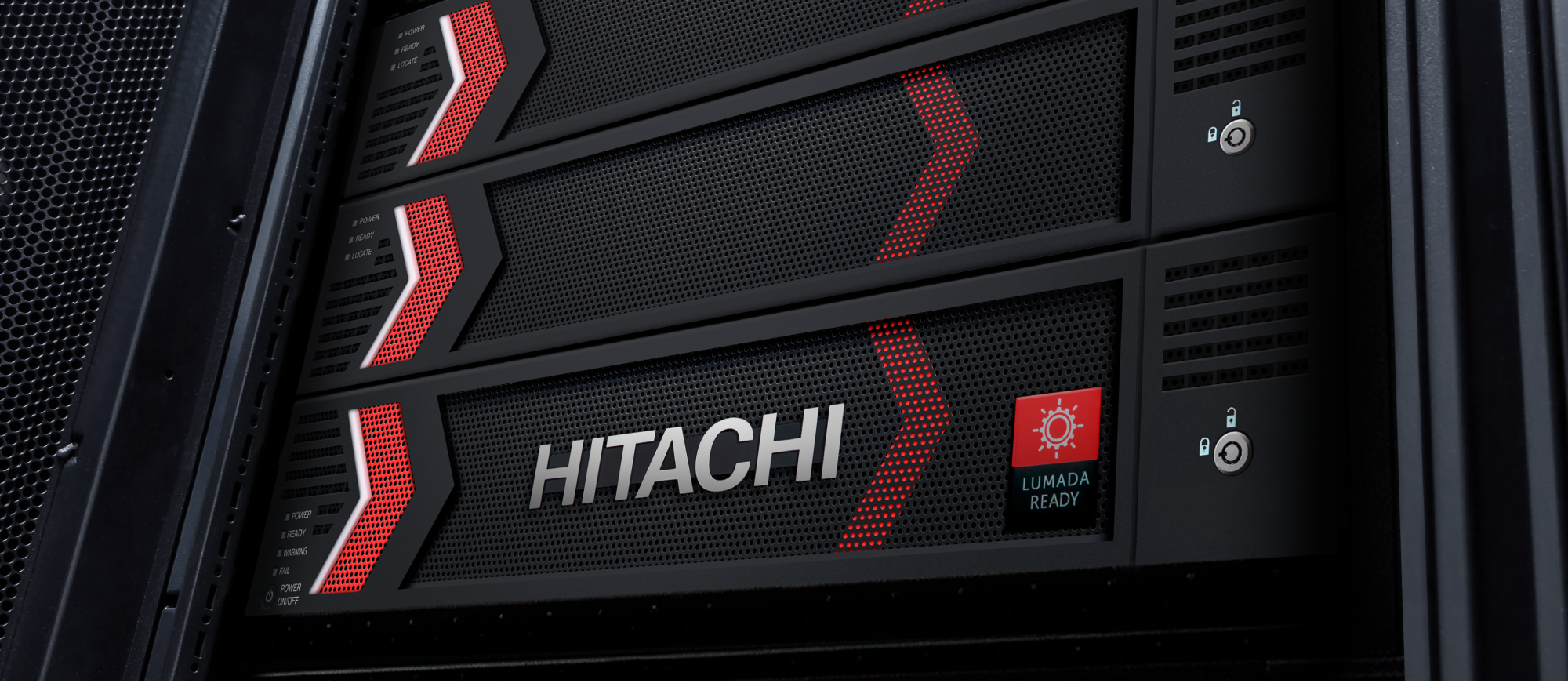
VSP One Block is Hitachi Vantara’s block storage line within the wider VSP One data platform, sold in mid-sized, high-end, and mainframe configurations. Across the range it reaches up to 50 million IOPS and 18.6 PB of effective capacity, with FIPS 140-3 certification for mission-critical and AI-era workloads.
The platform is managed through an embedded GUI plus the SaaS-based Ops Center Clear Sight portal, and VSP 360 adds control, observability, and governance over data wherever it sits. Hitachi cites installation in as little as 30 minutes and offers guarantees spanning the data plane.
Key features include:
Limitations (as reported by users on PeerSpot, covering the broader Hitachi Virtual Storage Platform family):
Best for: Mainframe-attached storage for IBM Z and IBM i environments.
Strengths: Eight-nines availability target, Safeguarded Copy, FCM4 detection.
Things to consider: Mainframe-centric scope; management console quirks.
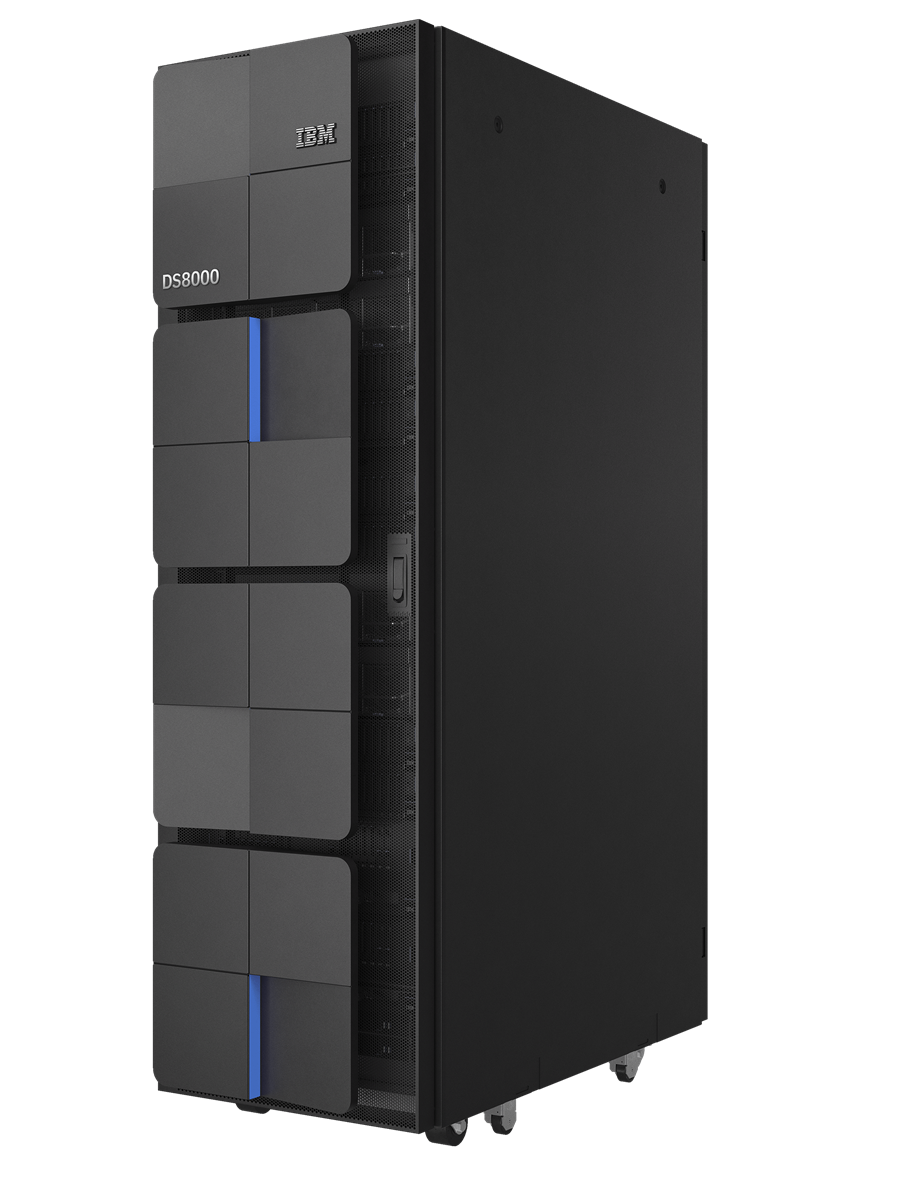
The DS8000 is now in its 10th generation and is built specifically around IBM Z and IBM i architectures. It combines encryption with cyber threat detection and assisted recovery, and IBM designs the system redundancy for 99.999999% availability, described as eight nines.
The current lineup spans the rack-mountable DS8A10 model A00, the single-frame DS8A10 model A01, the multi-frame DS8A50, and the multi-frame DS8A80, covering entry-cost configurations through to systems aimed at any mainframe workload. Consumption is also available through IBM Storage as a Service.
Key features include:
Limitations (based on publicly available sources):
Best for: Block, file, and container consolidation on a single appliance.
Strengths: 6:1 data reduction guarantee, metro replication, end-to-end NVMe.
Things to consider: Separate software licensing and reported support gaps.
PowerStore is Dell’s midrange unified array, with the PowerStore Elite generation adding higher density and a 6:1 data reduction guarantee for Gen 3 hardware on PowerStoreOS 5.0. It uses a true active/active dual-controller design with NVMe media and NVMe-over-Fabrics.
Capacity grows in single-drive increments and performance scales out by clustering up to four appliances, reaching 5.81 PBe per appliance and 23.24 PBe per cluster. T models use TLC flash for performance-intensive work and Q models use QLC for capacity-driven cases such as archiving and file repositories.
Key features include:
Limitations (as reported by users on PeerSpot):

Best for: Unified block and file storage managed from a cloud console.
Strengths: Disaggregated scaling, availability guarantee, NIST-aligned recovery.
Things to consider: Support access friction and limited replication visibility.
The B10000 is HPE’s unified block and file array, managed through GreenLake with a disaggregated architecture that scales performance and capacity independently. HPE reports up to 40% lower TCO from that separation, which removes overprovisioning and the disruptive upgrade cycle.
Release 10.6.0 added agentic support automation, expanded disaggregated scale-out, and further cyber resilience work, and a 4-node switchless configuration targets higher density. The same Alletra Storage MP architecture also delivers object storage services and supports deployment at disconnected sites.
Key features include:
Limitations (as reported by users on PeerSpot):
6. Oracle ZFS Storage Appliance

Best for: Oracle Database and Exadata backup with unified file and block.
Strengths: OISP database tuning, 4.6TB DRAM cache, up to 30PB capacity.
Things to consider: Value concentrates inside Oracle-centric environments.
The ZFS Storage Appliance, currently the ZS11-2, is Oracle’s unified enterprise system consolidating file, block, and object storage on one platform. Its distinguishing work is in Oracle Database integration, where the appliance automates storage tuning and data lifecycle management rather than leaving it to administrators.
Configurations reach up to 8.8 PB of all-flash capacity, or up to 30 PB of disk capacity using 22TB and 26TB drives alongside up to 4.6 TB of DRAM cache and 1.4 PB of flash cache. Up to 128 AMD EPYC cores handle concurrent I/O, and Oracle reports sustained throughput above 18 GB/sec.
Key features include:
Limitations (based on publicly available sources):
Organizations should consider the following best practices when modernizing their storage systems.
When modernizing storage, organizations must avoid replicating the siloed architectures of legacy systems. Creating separate storage environments for each application or business unit leads to inefficiency, higher costs, and complex management. Silos make it difficult to share resources, balance workloads, or implement consistent policies across the organization. This fragmentation hinders agility and limits the benefits of modern storage platforms.
Instead, enterprises should design storage infrastructure to be unified and shared across multiple applications and users. By consolidating storage into a single, software-defined platform, organizations can simplify management, reduce duplication, and improve utilization. Centralized policies, automation, and analytics further enable efficient resource allocation and rapid scaling, ensuring storage can adapt to changing business needs.
Key actions:
Adopting open standards is essential for avoiding vendor lock-in and future-proofing enterprise storage investments. Proprietary protocols and management tools restrict flexibility, limit integration options, and make it difficult to adopt new technologies or providers. Open standards enable interoperability between different storage solutions, cloud services, and management platforms.
Organizations should select storage platforms that support industry-standard protocols such as NFS, SMB, S3, and NVMe over Fabrics. Leveraging open APIs and interfaces enables seamless integration with orchestration tools, monitoring solutions, and automation frameworks. This approach ensures long-term flexibility, easier migrations, and the ability to take advantage of innovation across the storage ecosystem.
Key actions:
Manual data lifecycle management is inefficient and prone to error, especially as data volumes grow. Without automation, organizations risk data sprawl, compliance violations, and escalating storage costs. Legacy processes for data retention, migration, and deletion are often slow and inconsistent, making it difficult to enforce policies or respond to regulatory requirements.
Modern storage platforms offer automation features for managing the entire data lifecycle, from creation to archival and deletion. Policy-based automation enables organizations to move data between storage tiers, delete expired records, and ensure compliance with minimal manual intervention. Automated data management improves efficiency, reduces risk, and frees up IT resources for more strategic initiatives.
Key actions:
Security cannot be an afterthought in modern storage environments. Legacy storage systems often rely on perimeter-based security models, which are insufficient for today’s distributed and hybrid architectures. Data breaches, ransomware, and insider threats can exploit weak points in storage infrastructure, leading to costly incidents and regulatory penalties.
To address these risks, security must be integrated into every layer of the storage architecture. Modern platforms support features such as encryption at rest and in transit, role-based access control, audit logging, and anomaly detection. Organizations should implement a defense-in-depth approach, combining storage-level protections with broader security strategies to protect sensitive data and maintain regulatory compliance.
Key actions:
Proactive monitoring is critical to ensuring that storage systems meet business requirements and operate efficiently. Without visibility into capacity, performance, and cost metrics, organizations may encounter unexpected outages, degraded service levels, or budget overruns. Legacy monitoring tools are often limited in scope and require manual analysis, making it difficult to detect and resolve issues promptly.
Modern storage platforms provide integrated monitoring and analytics capabilities, delivering real-time insights into usage patterns, performance bottlenecks, and cost drivers. Automated alerts, dashboards, and predictive analytics enable IT teams to optimize storage resources, prevent capacity shortfalls, and control expenses. Continuous monitoring supports better decision-making and ensures storage infrastructure remains aligned with business needs.
Key actions:
Not all workloads have the same performance, latency, or durability requirements. Placing every application on the fastest storage increases costs without improving outcomes, while storing performance-sensitive workloads on slower media can create bottlenecks. A storage strategy that ignores workload characteristics leads to inefficient resource utilization and unnecessary spending.
Organizations should classify workloads based on factors such as access frequency, performance requirements, recovery objectives, and data value. Frequently accessed transactional data can remain on high-performance tiers, while backups, archives, and infrequently accessed content can move to lower-cost storage. Automated tiering policies help keep data on the most appropriate storage tier as access patterns change over time.
Key actions:
Business continuity plans are only effective if they are validated through regular testing. Backup failures, incorrect replication settings, or outdated recovery procedures may go unnoticed until an actual outage occurs. Relying on untested disaster recovery processes increases the risk of extended downtime and data loss during critical incidents.
Organizations should routinely test backup restoration, failover, and disaster recovery procedures under realistic conditions. Recovery time objectives (RTOs) and recovery point objectives (RPOs) should be measured and verified to ensure they meet business requirements. Regular testing also helps identify configuration issues, improve operational readiness, and ensure teams can respond effectively during disruptions.
Key actions:
Modern storage platforms provide the scalability, flexibility, and automation required to support hybrid cloud, AI, analytics, and rapidly growing enterprise data. By adopting software-defined architectures, open standards, policy-driven automation, and built-in resilience, organizations can reduce operational complexity while improving performance, security, and cost efficiency. Modernizing storage is an opportunity to build a data platform that can adapt as business requirements, workloads, and infrastructure continue to evolve.
See Cloudian first in Google Search

